
Introduction: Python Exception Handling Keywords With Boolean and Import Examples
In the previous lesson, we learned about Python control flow keywords and explored how keywords such as if, elif, else, for, while, break, and continue help control the execution flow of a program.
In this lesson, we will continue exploring important Python keywords, focusing on Python Exception Handling Keywords and several other related keyword groups that play a crucial role in real-world programs.
You will learn how exception handling keywords such as try, except, finally, and assert allow Python programs to detect and manage runtime errors without stopping execution abruptly. We will also explore Boolean and null keywords (True, False, and None), which represent logical values and the absence of a value. In addition, we will cover import-related keywords (import, from, and as) that make it possible to reuse code from modules, along with the with keyword, which is used for context management and resource handling.
What You’ll Learn
In this lesson, we will cover the following topics:
- Python Exception Handling Keywords:
try,except,finally, andassert - Boolean and null keywords:
True,False, andNone - Import and module keywords:
import,from, andas - The
withkeyword for context management - Differences between Boolean, exception handling, and import keywords
- Practical examples combining multiple keyword types
- Clarification about Python keyword category naming
Now that you know what we will explore in this lesson, let’s start by understanding the Python Exception Handling Keywords and how they help manage errors in Python programs.
Python Exception Handling Keywords
When a Python program runs, unexpected situations can occur. For example, a user might enter invalid input, a file may not exist, or a calculation might involve division by zero. These situations create runtime errors, also known as exceptions. If these errors are not handled properly, the program may stop execution and display an error message.
To manage such situations, Python provides a set of Python Exception Handling Keywords. These keywords allow a program to detect errors, respond to them, and continue running in a controlled way.
The main exception handling keywords in Python are:
tryexceptfinallyassert
Together, these keywords help developers write programs that are more reliable, user-friendly, and easier to debug.
Let’s understand how each of these keywords works.
The try Keyword
The try keyword is used to define a block of code that may potentially raise an exception. Python attempts to execute the code inside this block normally.
If an error occurs while executing the code inside the try block, Python immediately stops executing the remaining lines in that block and looks for an except block to handle the error.
Example
try:
    user_number = int(input("Enter a number: "))
    result = 10 / user_number
    print("Result:", result)
In this example, the code inside the try block might raise errors such as:
ValueErrorif the user enters non-numeric inputZeroDivisionErrorif the user enters0
Using the try keyword prepares the program to handle such situations safely.
Note: The
tryblock cannot be used by itself. It must always be followed by at least oneexceptblock, afinallyblock, or both. If Python encounters atrystatement without these accompanying blocks, it raises a syntax error.Also remember that a single
tryblock can be followed by multipleexceptblocks, allowing a program to handle different types of errors separately.
The except Keyword
The except keyword is used to handle exceptions that occur inside a try block. When an error happens, Python moves control to the matching except block.
This allows the program to display a helpful message or take corrective action instead of crashing.
Example
try:
    user_number = int(input("Enter a number: "))
    result = 10 / user_number
    print("Result:", result)

except ZeroDivisionError:
    print("You cannot divide by zero.")

except ValueError:
    print("Please enter a valid numeric value.")
In this program:
- If the user enters
0, theZeroDivisionErrorblock runs. - If the user enters text instead of a number, the
ValueErrorblock runs.
This makes the program more robust and user-friendly.
The finally Keyword
The finally keyword defines a block of code that always executes, regardless of whether an exception occurred or not.
This block is commonly used for cleanup operations, such as:
- closing files
- releasing resources
- printing completion messages
Example
try:
    user_number = int(input("Enter a number: "))
    result = 10 / user_number
    print("Result:", result)

except ZeroDivisionError:
    print("You cannot divide by zero.")

finally:
    print("Program execution completed.")
In this example, the message inside finally will run every time, even if an error occurs.
The assert Keyword
The assert keyword is used to test assumptions in a program. It checks whether a condition is true. If the condition is false, Python raises an AssertionError.
This keyword is mainly used for debugging and testing, helping developers catch logical mistakes early.
Example
user_age = 20

assert user_age >= 18, "User must be at least 18 years old."

print("Access granted.")
In this example:
- If
user_ageis18or greater, the program runs normally. - If the condition becomes false, Python raises an AssertionError with the specified message.
The assert keyword is useful when you want to ensure that certain conditions in your program are always true.
Simple Example of Python Exception Handling Keywords
The following example demonstrates how try, except, and finally work together to handle errors gracefully.
try:
    user_input_number = int(input("Enter a number: "))
    division_result = 100 / user_input_number
    print("Division Result:", division_result)

except ZeroDivisionError:
    print("Error: Division by zero is not allowed.")

except ValueError:
    print("Error: Please enter a valid integer.")

finally:
    print("Thank you for using this program.")
How This Program Works
- The
tryblock attempts to convert the user input into an integer and perform a division. - If the user enters
0, theZeroDivisionErrorblock handles the error. - If the user enters non-numeric text, the
ValueErrorblock handles the problem. - The
finallyblock runs at the end, regardless of whether an error occurred.
Using Python Exception Handling Keywords like this ensures that programs can respond to errors gracefully instead of terminating unexpectedly.
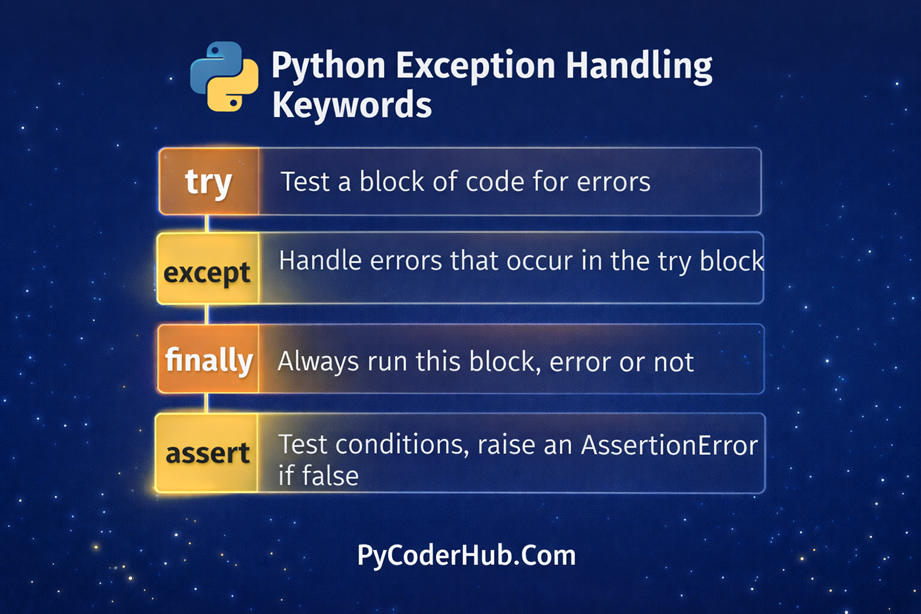
Visual Representation of Python Exception Handling Keywords
Below is a simple visual representation of the four core exception handling keywords: try, except, finally, and assert.
Python Boolean and Null Keywords
In addition to exception handling keywords, Python also provides special keywords that represent logical truth values and the absence of a value. These are commonly referred to as Boolean and null keywords.
The Boolean keywords True and False represent logical truth values and are frequently used in conditions, comparisons, and decision-making statements such as if and while.
The keyword None represents the absence of a value. It is often used when a variable does not yet contain meaningful data or when a function intentionally returns no value.
These keywords are built directly into Python and play an important role in program logic, conditional checks, and default values.
Let’s look at each of these keywords in more detail.
The True Keyword
The True keyword represents the Boolean value that indicates something is logically true. It is one of the two Boolean values available in Python, the other being False.
True is commonly used to represent successful conditions, enabled states, or positive results in a program. You will often see it used in variables, comparisons, and conditional statements.
In Python, the Boolean value True behaves like the integer 1 in numeric contexts. This means Python internally treats True as 1, although it should primarily be used to represent logical truth rather than numbers.
Example
is_python_beginner_friendly = True

print(is_python_beginner_friendly)
print(True == 1)
Output
True
True
Explanation
- The variable
is_python_beginner_friendlyis assigned the Boolean valueTrue. - Printing the variable displays the value True.
- The comparison
True == 1also evaluates to True, showing that Python internally treatsTrueas the numeric value1.
Even though True behaves like 1 in certain situations, it should mainly be used to represent logical truth values in program logic.
The False Keyword
The False keyword represents the Boolean value that indicates something is logically false. It is the second Boolean value in Python, and it is the opposite of True.
False is commonly used to represent negative conditions, disabled states, or unsuccessful results in a program. Like True, it can be stored in variables, returned from expressions, or used in logical operations and conditional statements.
In Python, the Boolean value False behaves like the integer 0 in numeric contexts. This means Python internally treats False as 0, although it should generally be used to represent logical values rather than numbers.
Example
is_database_connected = False

print(is_database_connected)
print(False == 0)
Output
False
True
Explanation
- The variable
is_database_connectedis assigned the Boolean valueFalse. - Printing the variable displays the value False.
- The comparison
False == 0evaluates to True, showing that Python internally treatsFalseas the numeric value0.
Although False behaves like 0 in certain cases, it should primarily be used to represent logical false conditions in program logic rather than numeric values.
The None Keyword
The None keyword represents the absence of a value. It is often used when a variable does not yet contain useful data or when a function intentionally returns nothing.
Unlike True and False, which represent logical values, None represents no value at all.
Common uses of None include:
- Initializing variables before assigning real data
- Representing missing or unknown values
- Default return values for functions that do not explicitly return anything
Example
user_profile_data = None

if user_profile_data is None:
    print("User profile has not been created yet.")
In this example, the variable user_profile_data does not contain actual data, so it is assigned None.
Example Using True, False, and None
The following example demonstrates how these keywords can be used together in a simple program.
user_is_logged_in = True
user_profile_information = None

if user_is_logged_in:
    print("User is logged in.")

if user_profile_information is None:
    print("Profile information is not available yet.")

is_payment_completed = False

if not is_payment_completed:
    print("Payment is still pending.")
How This Example Works
- The variable
user_is_logged_inis set to True, so the program confirms that the user is logged in. - The variable
user_profile_informationis set to None, indicating that the profile data has not been created yet. - The variable
is_payment_completedis False, so the program indicates that the payment is still pending.
Using True, False, and None allows Python programs to clearly represent logical conditions and missing values, making code easier to understand and maintain.
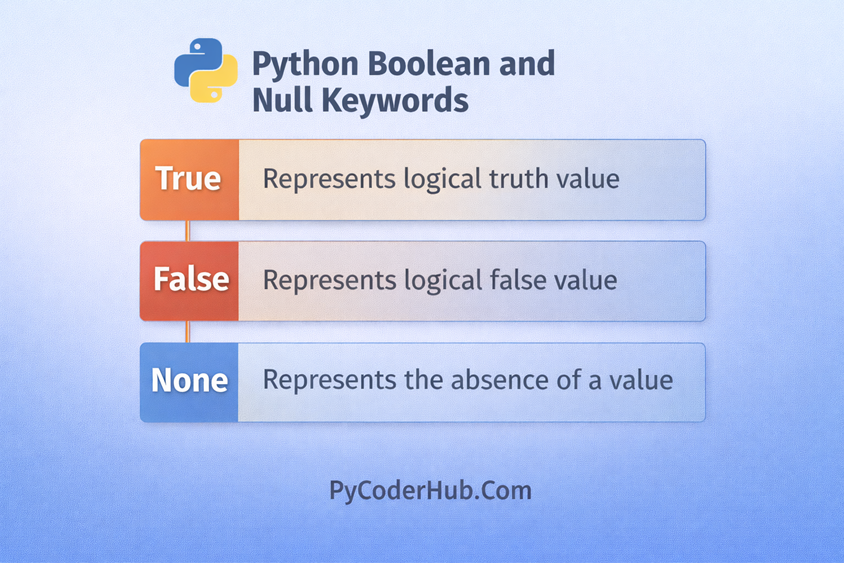
Visual Representation of Python Boolean and Null Keywords
The following chart highlights the Python Boolean and Null keywords used to represent logical truth values and the absence of a value.
Below is a simple visual representation of the three keywords: True, False, and None.
Python Import and Module Keywords
Python provides several keywords that help you access functionality from external modules and packages. Instead of writing every feature from scratch, you can import existing modules from the Python standard library or third-party libraries.
The three main keywords used for importing modules are import, from, and as. These keywords allow you to load modules, import specific components, and optionally rename them for easier use in your code.
The import Keyword
The import keyword is used to load an entire module into your Python program. Once imported, you can access its functions, classes, and variables using the module name as a prefix.
This approach helps keep the code organized because it clearly shows which module a function belongs to.
Example
import math

print(math.sqrt(16))
Output
4.0Explanation
- The
mathmodule is imported using theimportkeyword. - To use the square root function, we call
math.sqrt(). - The module name (
math) acts as a namespace that groups related functions together.
The from Keyword
The from keyword allows you to import specific components from a module instead of importing the entire module.
This can make your code shorter and easier to read when you only need a few functions or classes from a module.
Example
from math import sqrt

print(sqrt(25))
Output
5.0Explanation
- The statement
from math import sqrtimports only thesqrtfunction. - Because the function is imported directly, you can call
sqrt()without writingmath.before it.
The as Keyword
The as keyword is used to create an alias (a temporary name) for a module or imported component.
This is useful when:
- A module name is long
- You want a shorter or clearer name
- Two modules contain functions with the same name
Example
import math as math_module

print(math_module.sqrt(36))
Output
6.0Explanation
- The
mathmodule is imported with the aliasmath_module. - Inside the program, you access the module using the new name.
Aliases help improve readability and avoid naming conflicts in larger programs.
Example of Import Keywords in Python
The following example combines import, from, and as to demonstrate how these keywords work together.
import math
from math import pow
import math as math_module_alias

print(math.sqrt(49))
print(pow(2, 3))
print(math_module_alias.ceil(4.2))
Output
7.0
8.0
5
Explanation
import mathloads the entire module.from math import powimports only thepowfunction.import math as math_module_aliascreates an alias for the module.- Each keyword demonstrates a different way to access functionality from Python modules.
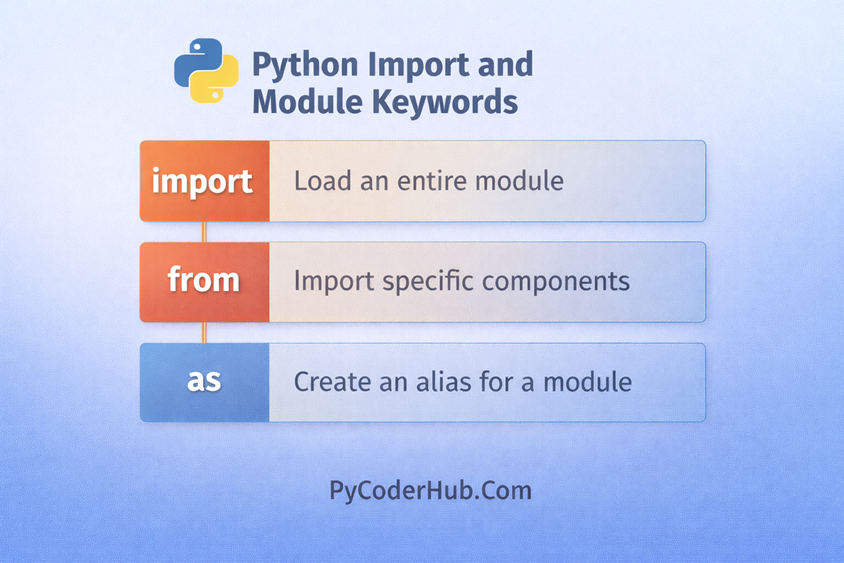
Visual Representation of Python Import and Module Keywords
The following chart highlights the main Python import and module keywords used to bring external modules and components into a program.
Below is a visual representation of the three core import keywords: import, from, and as.
The with Keyword for Context Management
The with keyword in Python is used for context management, which means it helps manage resources safely and automatically. It ensures that certain setup and cleanup actions happen at the right time while working with resources such as files, network connections, or locks.
The with statement is most commonly used when working with files, because it automatically handles opening and closing the file without requiring extra code.
In simple terms, the with keyword creates a controlled block of code where a resource is used, and once the block finishes, Python automatically performs the necessary cleanup.
Why the with Statement Is Useful
The with statement helps make code cleaner, safer, and easier to maintain. Without it, developers must manually manage resources, which increases the chance of mistakes such as forgetting to close a file.
Key benefits of using the with statement include:
- Automatic resource cleanup after the block finishes
- Simpler and more readable code
- Reduced risk of resource leaks
- Better error handling
Because of these advantages, the with statement is considered the recommended way to work with files in Python.
Example of the with Keyword
The following example shows how the with statement is used when working with a file.
file_name = "example.txt"

with open(file_name, "w") as file_object:
    file_object.write("Welcome to PyCoderHub")
Explanation
open(file_name, "w")opens the file in write mode.- The
withstatement creates a context where the file is used. - The keyword
asassigns the opened file to the variablefile_object. - After the
withblock finishes, Python automatically closes the file, even if an error occurs inside the block.
This automatic cleanup is the main reason why the with keyword is widely used for context management in Python.
Differences Between Boolean, Exception, and Import Keywords
Python keywords serve different purposes depending on the role they play in a program. Some keywords represent logical values, others help handle runtime errors, and some are used to load external modules and components.
The following table compares Boolean keywords, exception handling keywords, and import-related keywords to highlight their differences.
| Category | Keywords | Main Purpose | Example Usage |
|---|---|---|---|
| Boolean & Null Keywords | True, False, None | Represent logical truth values or the absence of a value | user_is_logged_in = True |
| Exception Handling Keywords | try, except, finally, assert | Detect, handle, and manage errors during program execution | try: ... except ValueError: |
| Import & Module Keywords | import, from, as | Load modules or specific components from modules | from math import sqrt |
Explanation
- Boolean and Null keywords represent logical states or the absence of a value. They are often used in conditions, variables, and comparisons.
- Exception handling keywords help detect and manage errors so that programs can respond safely instead of crashing unexpectedly.
- Import and module keywords allow Python programs to access functionality from external modules and libraries.
Each group of keywords plays a different role in structuring and controlling how Python programs behave, which is why they are often categorized separately when learning Python keywords.
Practical Example Combining Multiple Keyword Types
In real Python programs, different types of keywords often work together. A single program may use Boolean values to track conditions, exception handling keywords to manage errors, and import keywords to access external modules.
The following example demonstrates how Boolean, exception handling, and import keywords can be used together in a small program.
Example
import math

user_is_logged_in = True
calculation_result = None

try:
    if user_is_logged_in:
        calculation_result = math.sqrt(49)
    else:
        calculation_result = None

except Exception as calculation_error:
    print("An error occurred:", calculation_error)

finally:
    print("Calculation result:", calculation_result)
Explanation
This example combines multiple keyword types:
importloads themathmodule so its functions can be used.- The Boolean value
Trueis assigned touser_is_logged_into represent a logical condition. - The variable
calculation_resultis initially set toNone, indicating that no result exists yet. - The
tryblock runs the main calculation. - If an error occurs, the
exceptblock handles it and prints a message. - The
finallyblock runs at the end and displays the final result.
This example shows how different Python keywords often work together within the same program to control logic, handle errors, and use external functionality.
Clarification About Python Keyword Category Naming
It’s important to understand that categories such as “Boolean Keywords,” “Exception Handling Keywords,” or “Import Keywords” are not official classifications in Python. The official Python documentation simply lists them as keywords and does not group them into these specific categories.
However, educators, tutorials, and programming guides often organize keywords into such groups because it makes learning easier and helps explain their roles more clearly. For example, True, False, and None are often grouped together because they represent truth values and the absence of a value, while try, except, and finally are grouped because they work together to handle runtime errors.
Common Alternate Names Used in the Community
You may encounter different names for these keyword groups in books, courses, and tutorials:
- Boolean / Null Keywords
- Boolean Constants (
True,False) - Truth Value Keywords
- Null Value Constant (
None) - Singleton Constants
- Core Constants
- Boolean Constants (
- Exception Handling Keywords
- Error Handling Keywords
- Exception Control Keywords
- Runtime Error Control Keywords
- Debugging Keywords (for
assert)
- Import and Module Keywords
- Import Keywords
- Module Access Keywords
- Module Loading Keywords
- Namespace Keywords
These labels are community-created learning categories, not official Python terminology. They simply help organize related keywords so learners can understand their purpose more easily.
Conclusion
In this lesson, you explored several important Python keywords used for exception handling, logical values, module importing, and context management. Understanding how keywords like try, True, import, and with work helps you write safer, clearer, and more structured Python code. As you continue learning Python, these keywords will appear frequently in real-world programs and form an essential part of everyday coding.
Suggested Posts
- Python Keywords Explained – What Are Reserved Keywords in Python?
- Python Control Flow Keywords Explained (With Function and Class Examples)
- Python Scope Keywords Explained (del, global, nonlocal) With Operator and Async Keywords Examples
- Python Soft Keywords Explained: Meaning, History, List, Examples, and Differences from Reserved Keywords
- Python Keyword Rules and Guidelines: Using Reserved and Soft Keywords Correctly
- Python Keyword Module Explained: kwlist, iskeyword(), softkwlist with Examples
- Python Keyword Errors Explained: Common Mistakes and How to Fix Them
- Python Keywords Evolution: From Python 1 to Python 3.12+ (Complete Guide)
- Python Keywords Best Practices: Write Cleaner, Error-Free Code
- Python Keywords FAQ – Common Questions, Confusion & Clear Answers

5 thoughts on “Python Exception Handling Keywords Explained (With Boolean and Import Examples)”